



Lead Tracking for Agencies: From Ad Spend to Real Inquiries
Clicks, impressions, conversions: your ad reports are full of them. But when the client asks how many inquiries actually came in this month, the scavenger hunt begins: the leads are scattered across an email inbox, a form tool, a funnel builder. And what a single inquiry actually cost ends up being calculated by hand in Excel.
MetricDash sets up a dedicated webhook endpoint for each of your clients. Forms, funnels, Zapier, Make, or your own systems can send leads straight in, with name, email, phone, and source, freely extendable with custom fields. From there, every inquiry flows into one place, cleanly separated by client.
The result: you see ad spend and real leads side by side, cost per lead included. Your client sees their own inquiries in the portal, and leads show up as dedicated sections in automatic reports. No more manual Excel work, no more “What came in?” emails.
What this feature does
One webhook per client
Every client account gets its own webhook endpoint. Forms, funnels, Zapier, Make, or your own systems send leads with name, email, phone, and source directly to MetricDash. You can freely add more fields. For you, that means one integration per client instead of scattered point solutions; for your client, it means no inquiry ever falls through the cracks again.
A test feature for setup
During setup, send a sample lead to the webhook with one click and see immediately whether it arrives. No guessing whether the connection works: you hand your client a setup that's proven to work.
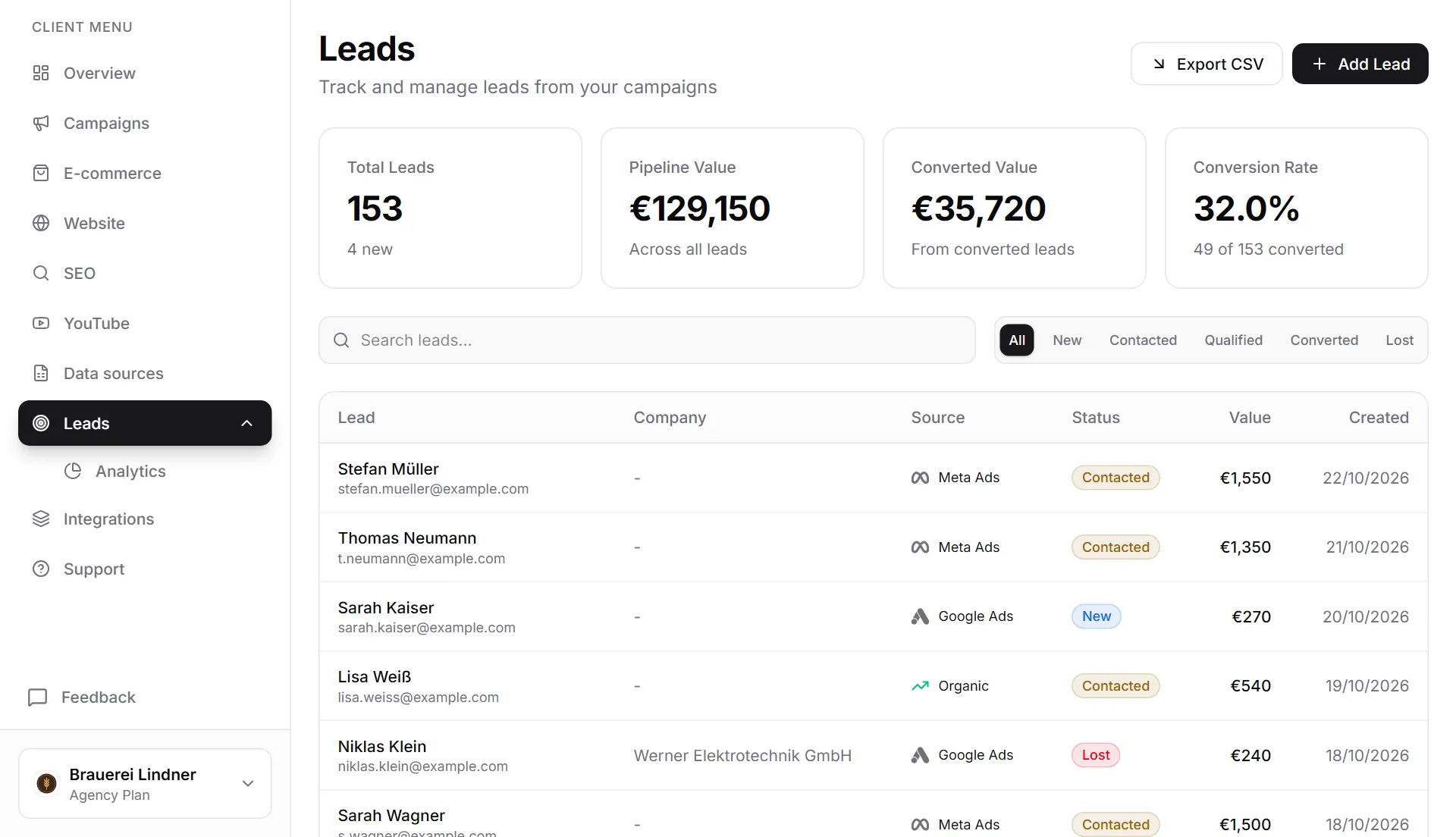
A lead list for you and your client
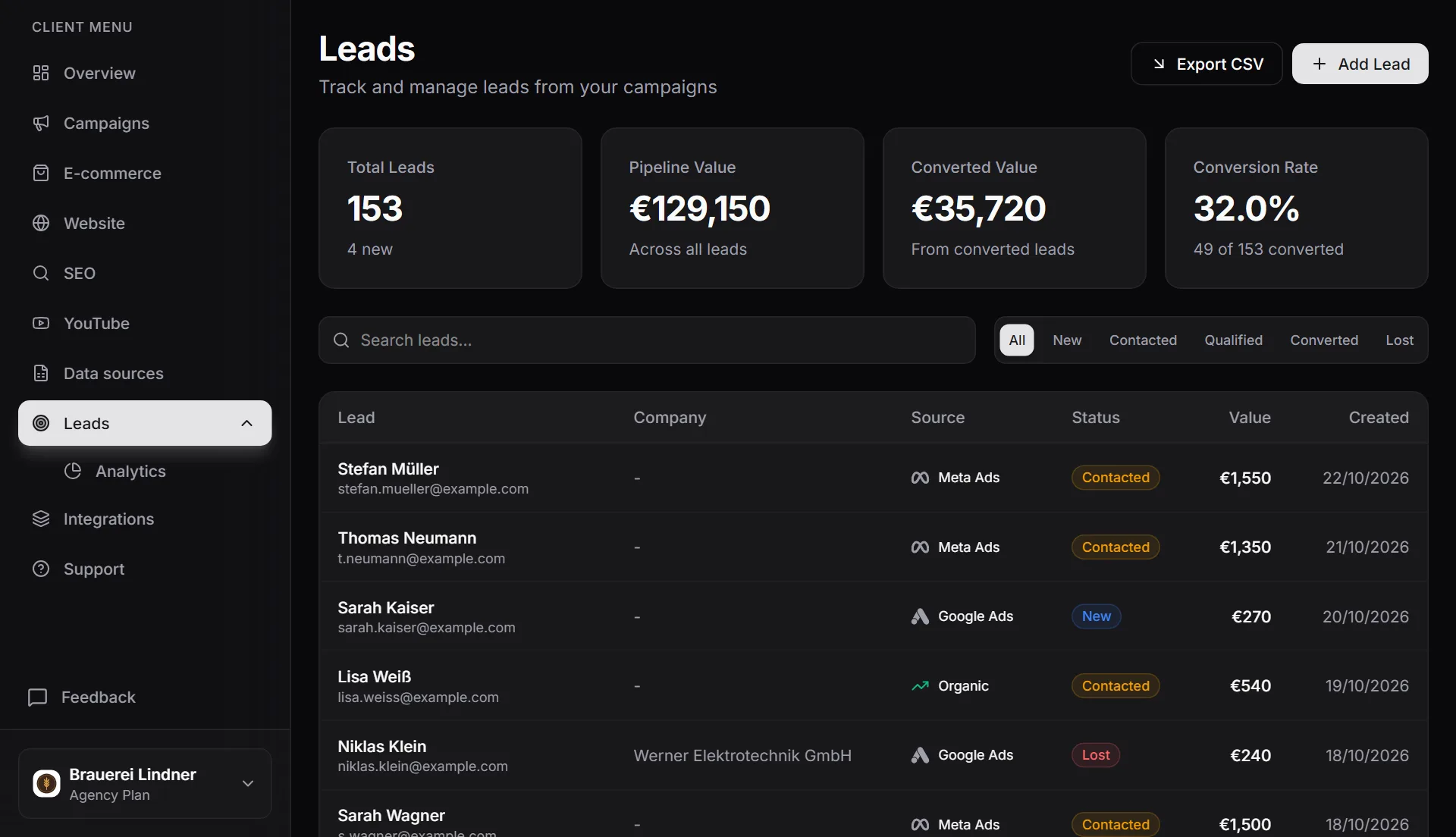
Every inquiry appears as a list in the agency dashboard and in the client portal, each one with source attribution. Your client sees for themselves which inquiries come in through which channel, instead of asking you. You skip the status emails while still keeping an overview across every client.
Cost per lead, not just click counts
MetricDash connects your campaign ad spend with the inquiries that actually came in. That makes visible, per client, what a lead really costs, your strongest argument in any budget conversation. And your client finally understands what their money is working toward.
Leads in automatic reports
The lead summary by source and the lead list appear as dedicated sections in automatic reports. Your client gets campaign numbers and inquiries in a single document, without you copying anything together by hand.
GDPR built in from the start
The leads section in the client portal only becomes visible once your client provides a one-time privacy acknowledgment (covering the legal basis and purpose limitation). You work with clean documentation, and your client knows exactly what they're agreeing to.
How it works
- 1Copy the webhook URLEvery client automatically gets their own webhook endpoint in MetricDash. Open the client account and copy the URL. That's all the setup you need.
- 2Connect your sourcesAdd the URL to your form tool, funnel, Zapier, or Make. Or send leads from your own systems. Name, email, phone, and source get transmitted, plus any custom fields you want.
- 3Send a test leadUse the built-in test feature to send a sample lead to the webhook and see immediately whether it arrives.
- 4Leads flow in automaticallyFrom now on, every inquiry shows up in the agency dashboard and the client portal, linked to ad spend as cost per lead. Automatic reports summarize them by source.
FAQ
Which tools can I connect to the webhook?
Anything that can send webhooks: form tools, funnel builders, Zapier, Make, or your own systems. Since every client has their own endpoint, leads automatically land in the right client account.
What data can a lead include?
Name, email, phone, and source by default. Beyond that, you can freely extend the fields, for example, with a message, the campaign, or custom IDs from your own system.
Can my client see their own leads?
Yes. The lead list, with source attribution, also appears in the client portal. Your client sees their inquiries without having to ask you. That section only becomes visible, though, once they've provided a one-time privacy acknowledgment.
How is lead tracking secured from a GDPR standpoint?
The leads section in the portal only becomes visible after a one-time privacy acknowledgment that covers the legal basis and purpose limitation. That way, it's documented that your client confirmed the processing of their inquiry data.
Does lead tracking cost extra?
No. MetricDash bills per client account, never per data source or feature: lead tracking is simply included. At launch: Free at €0 with one client account, Pro at €49, Agency starting at €99 with 3 client accounts included. We're currently in open alpha, so everything is free right now, no credit card required.
Related topics
Try MetricDash for free
Currently in open alpha: every feature free, connect unlimited clients, no credit card required.
Start for free →